The EVSE Directory · Field sheet · Tritium · TRI-PK-CABLE
TRI-PK-CABLEFree sampleLiquid-cooled cable leak detect
Tritium · PK350 · Liquid cooling
Safety
Qualified EVSE personnel only. Follow site LOTO and OEM HV boundaries.
How it presents
Symptom
PK350 liquid-cooled cable leak detect — contain spill, reseal/replace path, bleed before return to service. Field techs should correlate HMI/Cloud timestamps with PK liquid-cooled path vs RTM air-cooled path changes isolation and thermal triage.
Root causes (by observed frequency)
- #1 Primary field cause for TRI-PK-CABLE (Liquid-cooled cable leak detect) on Tritium
PK liquid-cooled path vs RTM air-cooled path changes isolation and thermal triage.
- #2 Secondary installation or harness issue exposed under load or weather
- #3 Config/firmware drift after update or board/SIM swap
- #4 True OEM module failure after cable/site/config paths are proven
Diagnostic procedure
1. Capture Tritium HMI/Cloud message for TRI-PK-CABLE, connector ID, and last good session
Expected: Exact string + scope
Tools: phone, CSMS
2. Correlate logs; decide one gun vs cabinet vs site for “Liquid-cooled cable leak detect”
Expected: Fault boundary
Tools: CSMS/OEM cloud
3. Run the rank-appropriate field checks for TRI-PK-CABLE (cable/PE/network/cooling as applicable)
Expected: Cause supported or excluded
Tools: DMM, IR, known-good
4. Known-good cable/gun/stall prove when the failure mode allows
Expected: Follows asset
Tools: known-good
5. Escalate Tritium OEM with evidence pack — PK liquid-cooled path vs RTM air-cooled path changes isolation and thermal triage.
Tools: ticket
The fix
Resolve TRI-PK-CABLE on Tritium by ranked field cause (PK liquid-cooled path vs RTM air-cooled path changes isolation and thermal triage.), then validate a full session.
Suspect Tritium assembly for TRI-PK-CABLE
OEM channel; keep serials
- Stabilize and document TRI-PK-CABLE presentation before replacing modules.
- Correct the ranked field cause for Liquid-cooled cable leak detect; prefer cable/site/config fixes first.
- Clear latches in HMI/CSMS only after the cause is removed.
- Run authorize → handshake → ≥5 minutes energy → clean stop validation.
- File scrubbed photos, firmware, and readings with the confirmation.
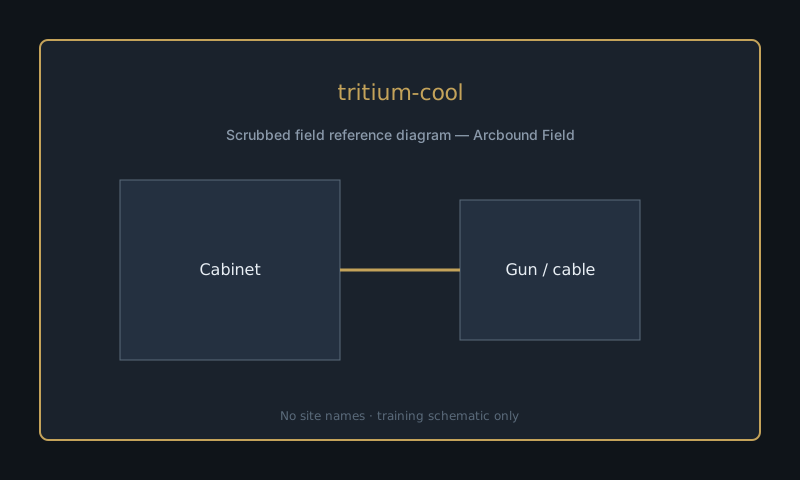
Field photos
Related entries
Related guides
Field confirmations (3) — subscribers only, one per account.
Missing a sibling fault? Request an entry